Updated: July 30th, 2021
- The Idea
- Setup
- Processor
- Motherboard
- Memory (RAM)
- Case and Power Supply
- Wireless HTPC Keyboard + Mouse
- Wireless PCI Card (802.11N)
- Wireless Router (802.11N)
- Speakers, Surround Sound
- DVD Player/Burner
- Graphics Card [OPTIONAL]
- Sound Card [OPTIONAL]
- Hard Drive
- Operating System
- Verdict
- Temperatures, Ventilation, Cooling
- Wireless (802.11N)
- The Sound
- HTPC/Media Center Software
- Remaining Work
- Pictures Of The Final System
- Comments (116)
The Idea
 For the past month I have been exploring options and building a perfect Home Theater PC for my 50” Vizio plasma. Besides the obvious, it has to play movies, youtube videos, etc, I had a few concrete goals in mind. Here they are:
- it absolutely had to handle 1080P h264, specifically movies encoded using x264. An average movie size for this format is between 8.5 and 13 GB. There were 2 problems to overcome: the CPU had to be able to handle the decoding (my desktop dual core Conroe barely kept up) and the network had to be fast enough to stream in real time from my storage PC a floor away.
- I needed to have the easiest control over the whole thing. VNC wasn’t good enough, because I don’t always have a laptop lying around.
- It had to support 7.1 sound.
- It had to have excellent picture quality on the TV, preferably during both movies and regular browsing/reading, etc. HDMI/DVI was optional, depending on how good the analog quality was.
- It had to be as cheap as possible but still good enough to do the job really well.
- It had to have a serial port (most micro ATX motherboards nowadays do not, which is upsetting).
- It had to look slick and unconventional – unlike a regular PC.
Setup
After lots of research, I used the following components from the following sources (best deals I could find):
Processor
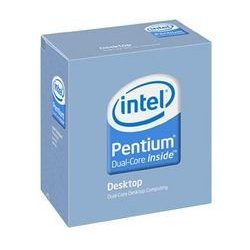
Intel Pentium Dual-Core E2200 Processor, 2.2 GHz, $79.99, no tax, and free shipping. I decided to go for a relatively cheap but still very powerful CPU and the results exceeded my expectations. More below.
Motherboard
ASUS P5KPL-CM LGA 775 Intel G31 Micro ATX Intel Motherboard, $67, no tax, and free shipping. Also available on Newegg for $54.99 + tax + $8.97 shipping. It has on-board 7.1 sound, 2 PCI slots, and a serial port (for my good old Packard Bell serial remote control). No HDMI/DVI and no onboard RAID but I didn’t need those.

Memory (RAM)
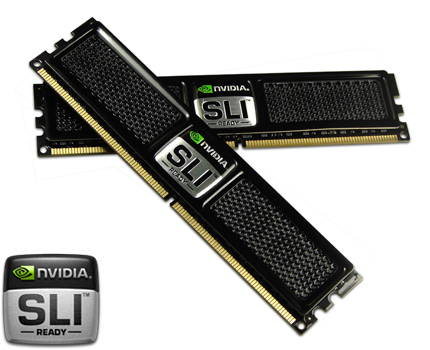
OCZ SLI-Ready 2GB (2 x 1GB) 240-Pin DDR2 SDRAM DDR2 800 (PC2 6400) Dual Channel Kit Memory (OCZ2N800SR2GK). $38.99 + tax, free shipping – $25 rebate. Also available on Amazon.
Case and Power Supply
Antec New Solution Series NSK2480 Case, $107.99, no tax + $17.82 shipping – $8 coupon (code: TAKER). Even cheaper on Amazon. The case already comes with a 380W power supply, so I didn’t need to buy a separate one. It provides plenty of power for the HTPC. Also, there’s a lot of space inside for ventilation, and I didn’t get a crammed feeling when installing my components. Ventilation is a separate point I’d like to highlight with this case, as it came with 2 120mm fans and 2 extra ones just in case. The lowest of 3 speed settings has worked great for me.

Wireless HTPC Keyboard + Mouse
DSI 2.4GHz Wireless Keyboard with Optical trackball, Black, FK-760, $52.99, no tax, and free shipping. Inspired by the famous mysql geek Jeremy Zawodny here and here.
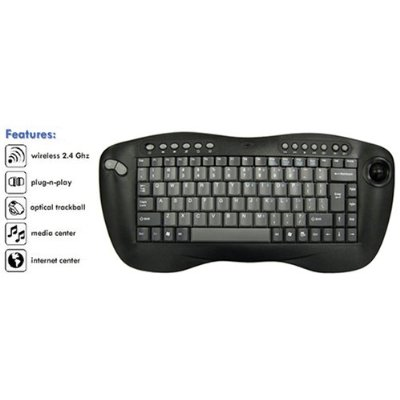
- the keyboard you can see pictured below can be branded by DSI, Adesso, and other companies but it’s the same thing, so there’s no point trying out the Adesso one if the DSI didn’t work well for you.
- the DSI/whatevercloneofit fit my needs best, after comparing it to Logitech diNovo Mini and the full size diNovo version, Microsoft, and others.
- the price of ~$50 is simply unbeatable.
- the trackball mouse is probably the best for a keyboard of this type. I tried the touchpad on the diNovo and it was crap.
- the left mouse trigger button located on the right side under the keyboard as well as the left/right mouse buttons on the left side of the keyboard are exactly what I wanted from the usability point of view. I can hold the keyboard with either hand and still click like a champ.
However, Charger2000’s suggestion to buy a USB extension cord (I bought this one from monoprice.com) and use it to raise the keyboard receiver to about 5 feet off the ground worked like a charm and I am finally very happy.
Wireless PCI Card (802.11N)
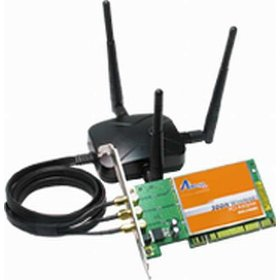
Airlink AWLH6080 300N Wireless-N & G PCI Adapter for Desktops, $44.99 + tax, no shipping as I picked it up at a local Fry’s. I needed to start experimenting with 802.11N because I didn’t want a swarm of network cables laying around. More on this later but I can tell you it’s great. Also available on Amazon. Windows 7 picked it up with no extra drivers to install. Perfect. If you can't find any Airlinks around, Amazon has plenty of other Wireless N cards to pick from (I would try to match the router brand, btw).
Wireless Router (802.11N)
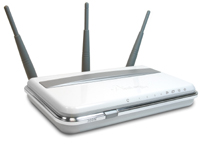
Airlink AR680W 300N Wireless-N & G Router, I think about $50 + tax at Fry’s. Also available on Amazon. Or, again, if you can't find Airlink available, there are plenty of other Wireless N routers.
Speakers, Surround Sound
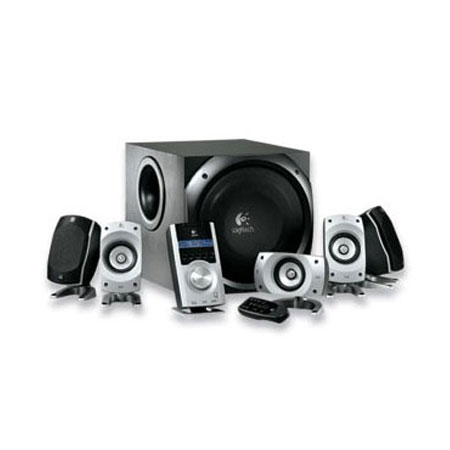
Logitech Z-5500 505W 5.1 Speakers, on sale at Dell for $170 a few months ago. Also available on Amazon.
DVD Player/Burner
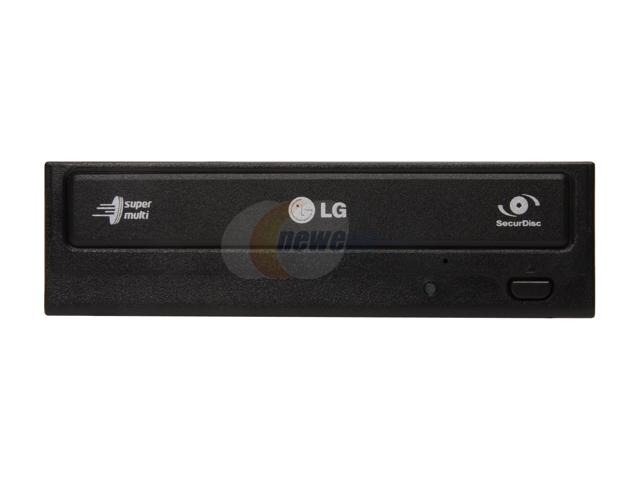
LG Black DVD Burner, $25 or so. I picked a cheap and good one, and it’s worked flawlessly. I decided to skip trying to match the silver shade with the case and just go for the black one. I am not interested in Bluray players but if you are, you are welcome to substitute this DVD player for one.
Graphics Card [OPTIONAL]
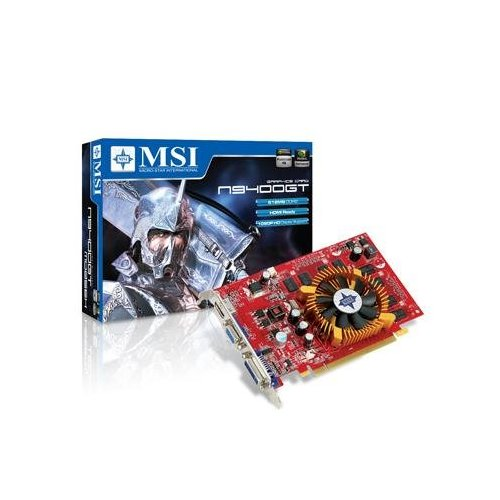
MSI GeForce 9400GT 512MB PCI-Express Graphics Card for $60.43 with free shipping and no tax on Amazon. Optional because the motherboard already contains a VGA out which proved to be personally enough for me. However, this card is awesome if you need more performance for gaming or more than just VGA – for example HDMI or DVI. Check this out. This 9400GT has HDMI, VGA, and DVI outputs!
Update: Kyron in the comments mentions a trick to allow passing sound over HDMI using this card.
Sound Card [OPTIONAL]
Diamond Multimedia XtremeSound 7.1 Sound Card with Dolby Digital Live (XS71DDL) for $50, free shipping and no tax on Amazon. If you need a digital optical out or decided to go with another motherboard that doesn’t support 7.1 sound but want to have 7.1, I found that this sound card works really well.

Hard Drive
Some old 60GB hard drive. I’m planning on streaming most things, so it’s not worth spending any money on this item. You can pick a 1TB Western Digital Black drive on Amazon for about $100.
Operating System
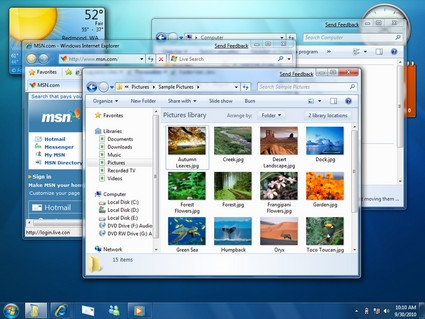
Update 5/12/09: Windows XP 7. The new Windows 7 is still in RC at the time of this writing but it is so good and so ready that many are already using it in their day-to-day systems. I put Windows 7 onto this HTPC a few days ago and I must say – I am very-very impressed. There's not a single hiccup, bug, blue screen, or hangup. The OS is beautiful, sleek, fast, robust, and operational. It even comes with its own Media Center but it didn't seem to detect any of my media on remote servers. I highly recommend Windows 7.
If you're not afraid to try Linux (you shouldn't be – it's great and free), I recommend Ubuntu or OpenSUSE.
Verdict
The final product exceeded my expectations. Not only did it play 1080P h264 perfectly, it didn’t even need a separate graphics card to take over the load. The CPU usage is about 35-40% when playing 720P and 40-50% when playing 1080P. No need for DVI or HDMI input – the standard VGA connector is very crisp and provides much better fine print and detail than HDMI. I can read and browse small font without any problems. The sound is superb as well, after all the tweaking, so no additional sound or video cards were needed. Using the wireless ultra light keyboard as well as the remote, I am now able to control everything on the screen with ease.
Temperatures, Ventilation, Cooling
The case provides excellent ventilation, as I already mentioned. The CPU idles at about 30C and goes to 45-48C when playing the highest quality 1080P HD video I could find. In short, the case is cool and quiet.
Wireless (802.11N)
After playing around with the 802.11N (or at least Airlink101’s implementation), I have to say I’m quite impressed. I get speeds of between 3 and 5 MB/s (Megabytes per second) and all 720P and most 1080P content streams live. Some really hi-res 1080P movies require to be downloaded first, which confuses me. During streaming, instead of using 4-5 MB/s, VLC (or MPC, or any other player I’ve tried) uses only about 1-2 MB/s and starts lagging. I don’t yet have a workaround for the player to utilize 100% of my bandwidth and stop lagging. Do you?
One thing I really hated about Airlink101 is their software (the firmware seems great so far). It’s the most basic piece of crap software accompanying hardware I’ve ever seen. Absolutely no thought and effort went into it – I believe it’s still on version 1.0 or 1.1. It’s so bad, even the Windows default wireless manager is better. The final straw was the absence of a setting to connect to preferred networks only. After I found my computer randomly connected to some open netgear network one day, I decided to not use Airlink101’s software for a long-long time, maybe ever.
The Sound
ASUS’ onboard 7.1 HD audio delivers very decent sound. I’ve installed the latest drivers, enable virtual fill (so that 2 channel sound gets automatically distributed to all speakers), and hooked up the Logitech Z5500 5.1 and another Logitech 2.1 to form a pseudo 8.2 speaker system. This thing has thump!
A note on VNC: I ended up not using it as it was creating sync issues while playing video (vsync?). If I turn on VNC while playing a video (and even if I turn it off), the vsync issues are quite apparent. The wireless keyboard is a better solution anyway, so I am quite happy with it (though it could use larger operational range).
HTPC/Media Center Software
Network file sharing + file manager (Total Commander or any other) + Media Player Classic + ffdshow codec set have worked very well but I still wanted to find the perfect media center program for visually pleasing media experience. It turns out there are a few candidates. Here they are:
- XBMC – free, not bad at all, but it was too buggy and couldn’t find my network drives.
- Mediaportal – also free and also buggy. It couldn’t play a lot of video files.
- SageTV – not free. Worse than the 2 above. Absolutely no reason to pay for something this bad when free alternatives are available.
- MeediOS – free. Too buggy to even run.
- Boxee – free, there is an alpha Windows version but it’s quite buggy. Boxee is probably the best one of them all, at least looking at all the recommendation on the web but the software isn’t very stable yet. It’s very socially oriented, which I like a lot. They’re active on twitter.
- GB-PVR – a Windows PVR and Media Center. Haven’t tried it as I’m now convinced I’m better off without a MC.
- Anything else major I’m missing?
So, as of this time, Total Commander, Media Player Classic, and the ffdshow are still my preferred method of watching videos. I don’t feel that any of the programs I’ve tried are ready for prime time yet.
Remaining Work
- I’d like to figure out how to wake up the machine on keyboard event. I don’t think it’s possible with the wireless keyboard like that, but I’m not 100% on that.
– open up Control Panel
– go to your Keyboard
– select the Power tab
– pick the right keyboard
– click Properties
– go to the Power Management tab
– check the "Allow this device to bring the computer out of standby" option.
If you want, you can repeat the same actions with your mouse.
Worked like a charm, except Windows currently wakes up from sleep randomly if this setting is on (both XP and Windows 7) – I am unsure of the fix right now.
- I’d like to know how to stream videos utilizing full network capacity rather than buffering what's needed and hiccupping when a slowdown occurs.
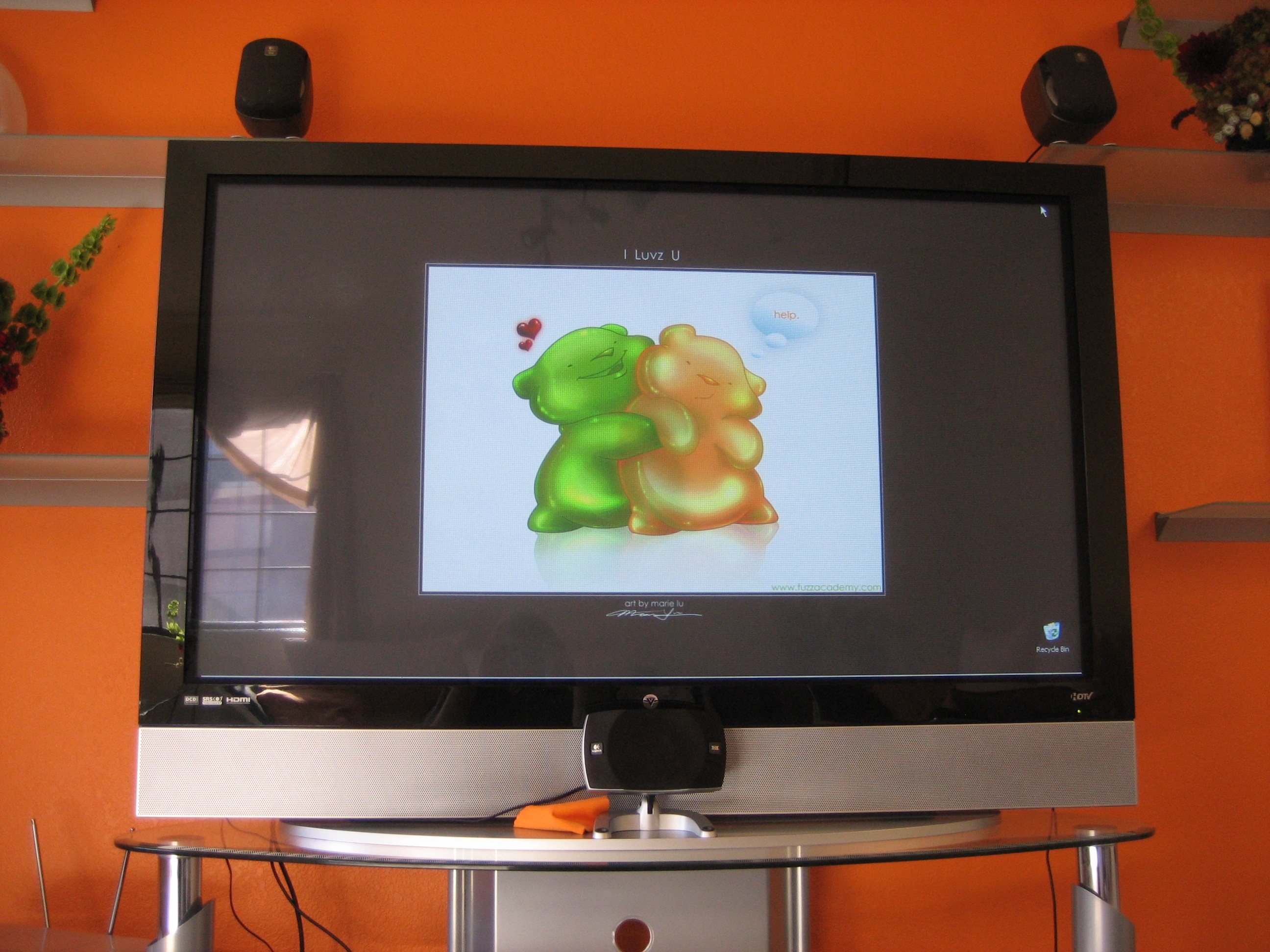
Pictures Of The Final System
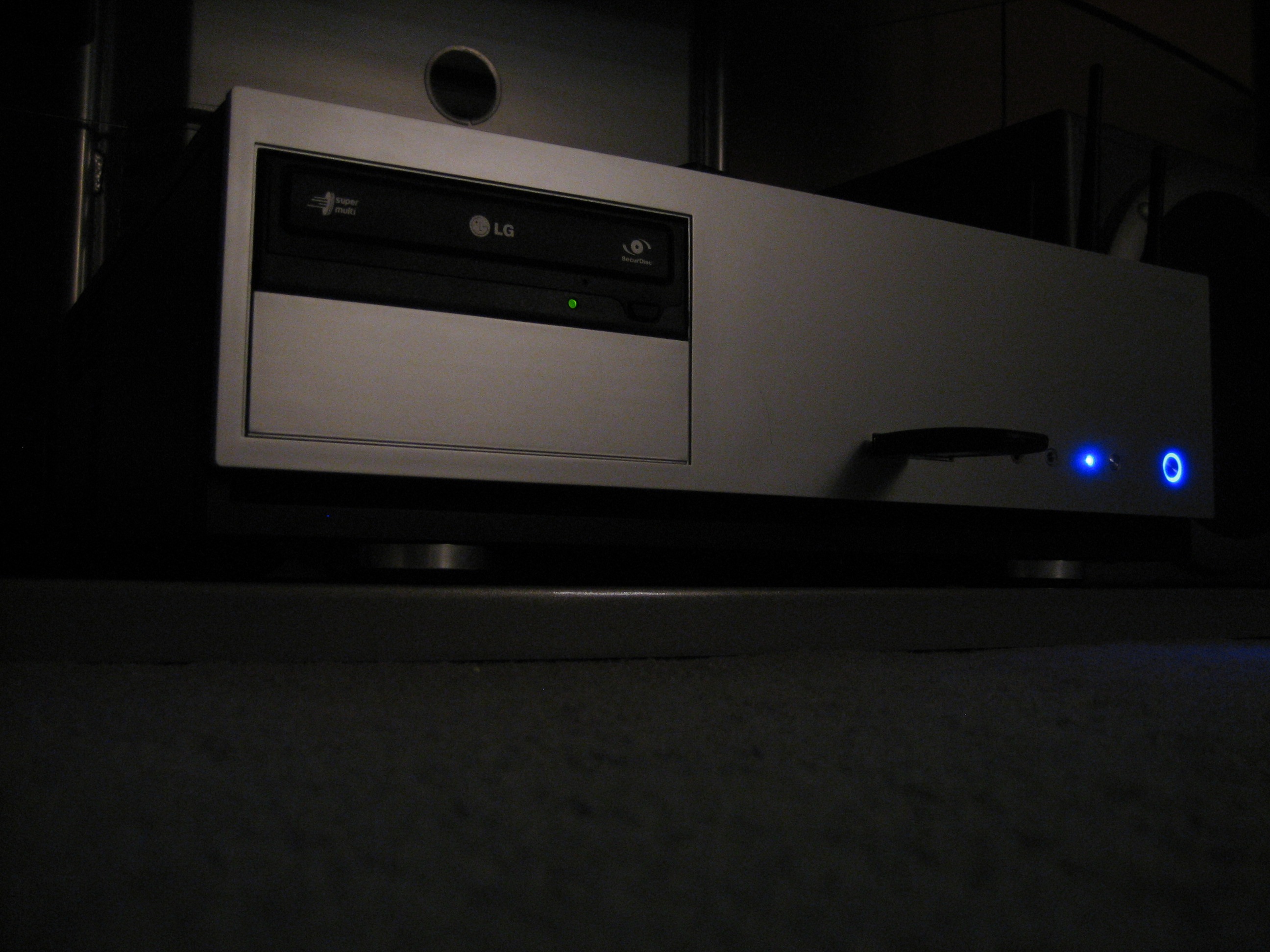


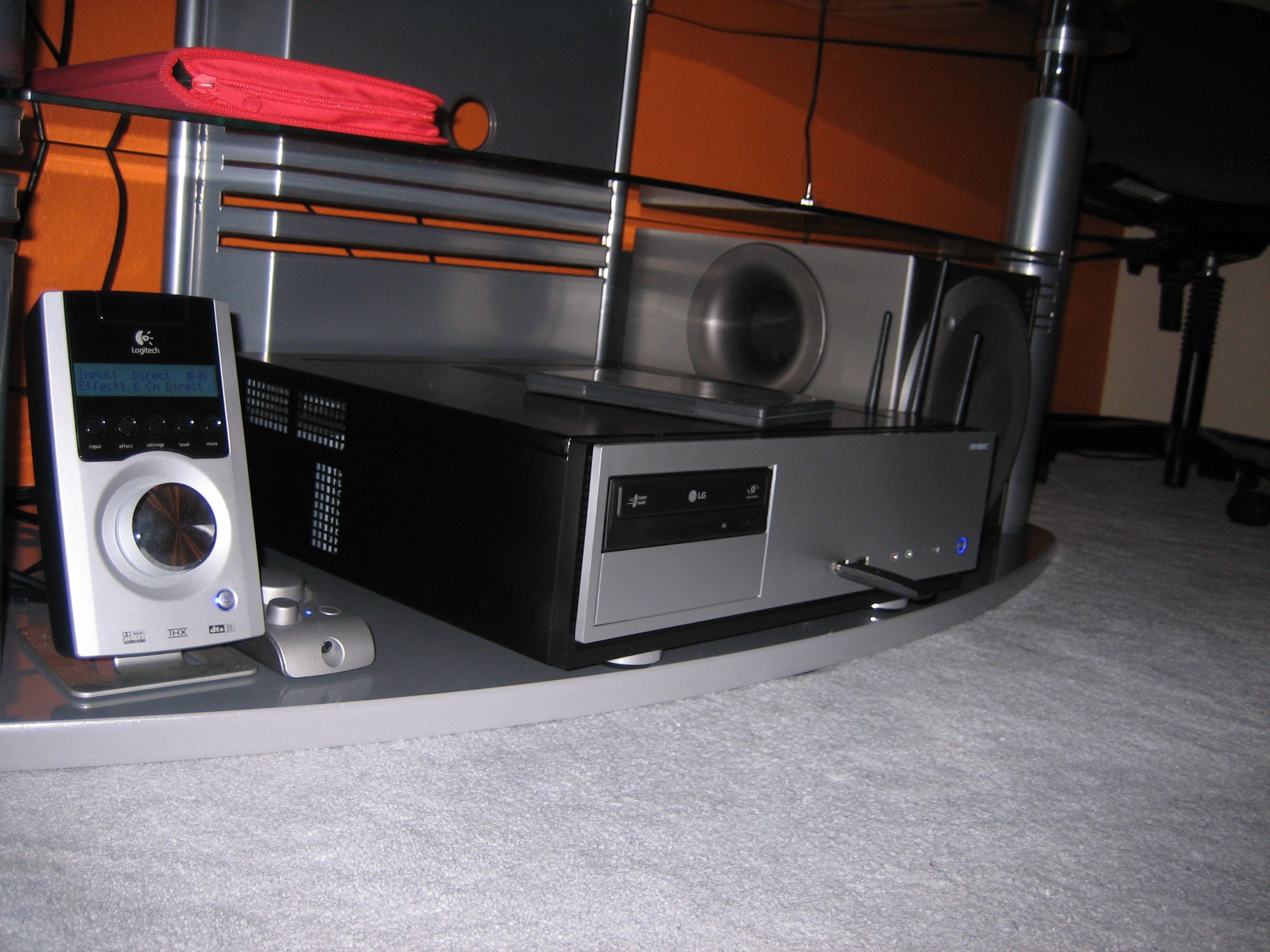
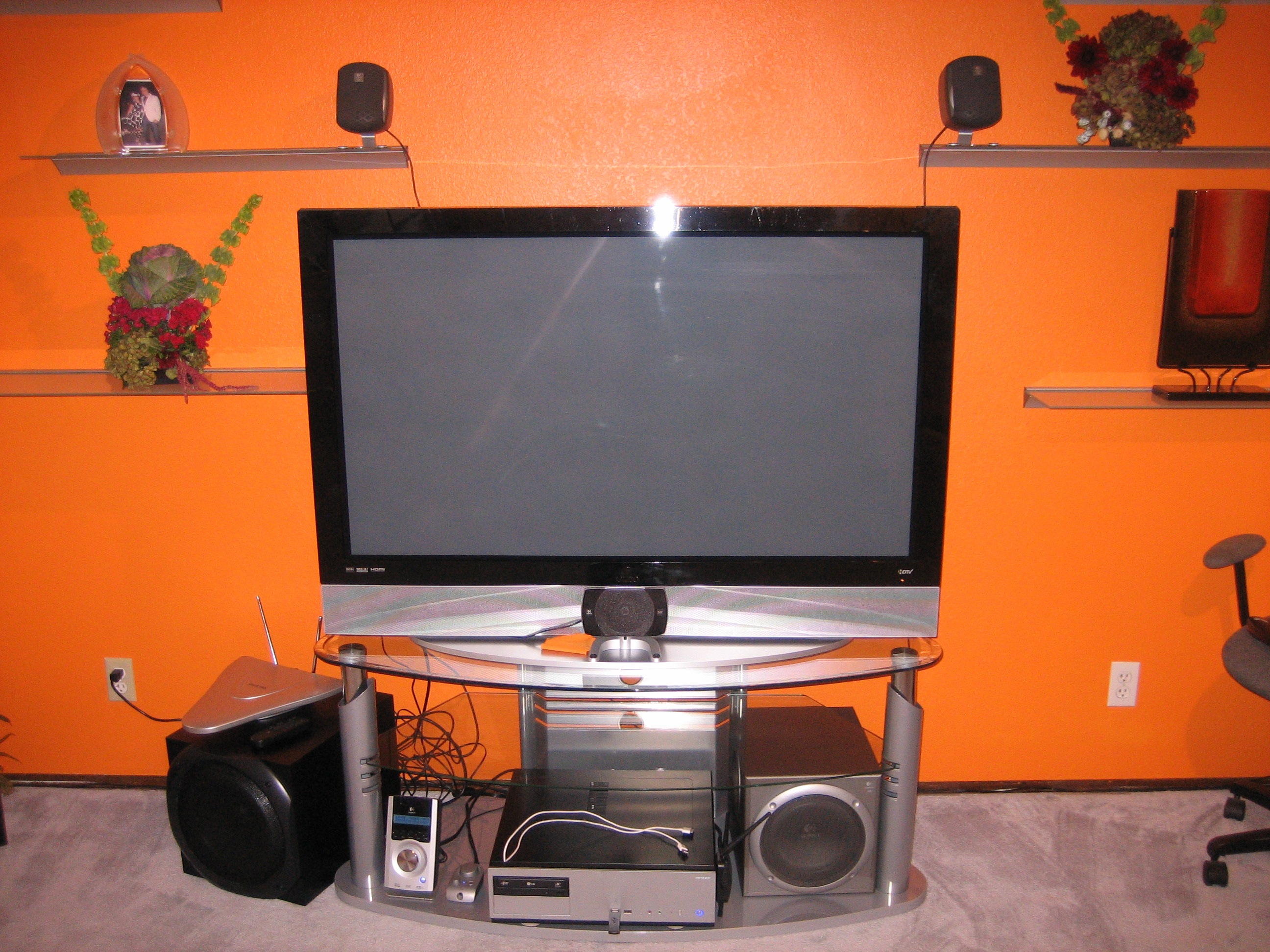
And I couldn’t resist:
In the meantime, if you found this article useful, feel free to buy me a cup of coffee below.
 beer planet is a blog about technology, programming, computers, and geek life. It is run by Artem Russakovskii - a local San Francisco geek who is currently pursuing his own projects and regularly enjoys hacking Android, PHP, CSS, Javascript, AJAX, Perl, and regular expressions, working on Wordpress plugins and tools, tweaking MySQL queries and server settings, administering Linux machines, blogging, learning new things, and other geeky stuff.


